
Connect your payroll and automate contributions: zero manual work
Choose your provider to see how the integration works.
Don’t see your payroll provider here? Contact Us
Connect your payroll and automate contributions: zero manual work









Don’t see your payroll provider here? Contact Us
From payroll login to funded account, in three steps
No spreadsheets, no re-keying employee data, no chasing down a contribution report at month end.
1. Connect your payroll provider
In just a few clicks, securely link your payroll account to WealthRabbit. Our intuitive setup guides you every step of the way.
2. Auto-sync employee data
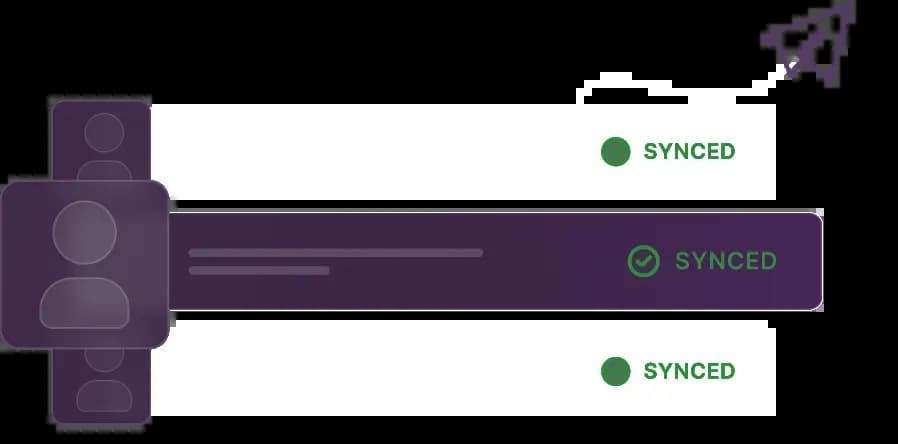
We'll automatically pull your employee roster, including names, roles, and payroll details.
3. Automate contributions
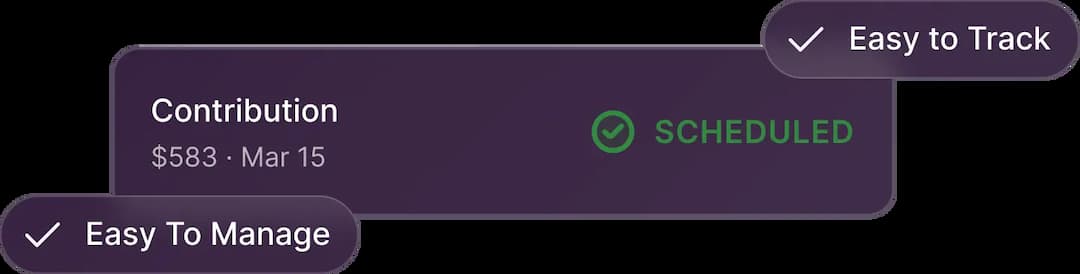
Once integrated, contributions are automatically calculated and processed with each pay run. This means consistent contributions, no manual steps required.
Less admin, fewer errors, one less thing to track
One Dashboard For Every Provider
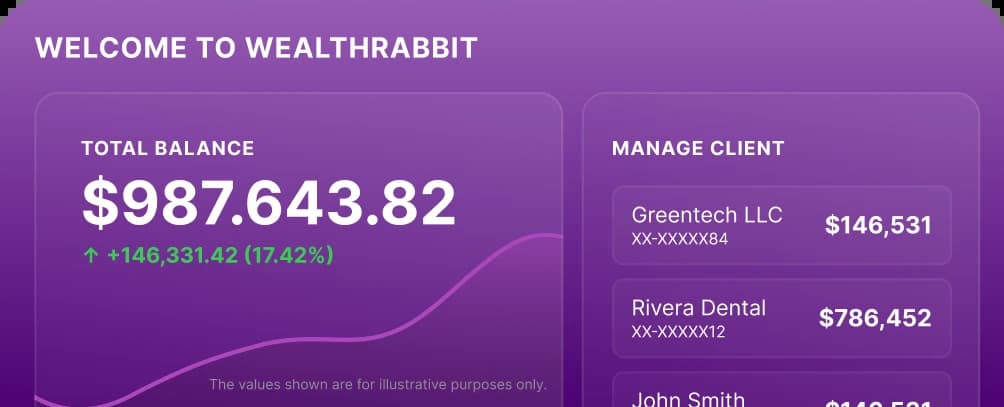
See contributions, sync status, and employee details in one place, no matter which payroll platform you're connected to.
Contribution Math, Done For You
Set a percentage or flat-dollar rule once. Every paycheck applies it correctly, without spreadsheets or manual math.
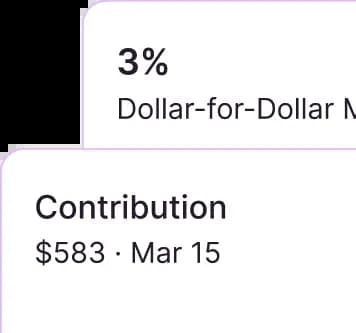
New Hires Added Automatically
New employees, raises, and status changes sync the moment payroll runs, so eligibility stays accurate without a reminder.
Zero Manual Data Entry
Once you're connected, payroll data flows straight into WealthRabbit every pay period. No exports, no uploads.
Rules Built Around Your Plan
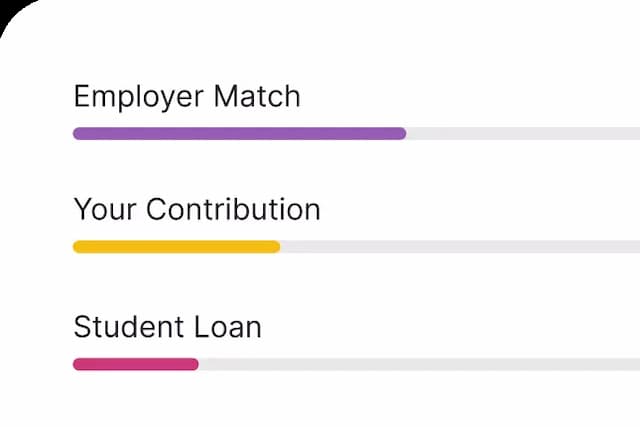
Match, non-elective, or a flat contribution schedule, whatever your SIMPLE IRA calls for, set once and let it run.
Contributions Stay On Schedule
Deposits go out in step with your actual pay dates, so nothing runs late and nothing gets forgotten between runs.
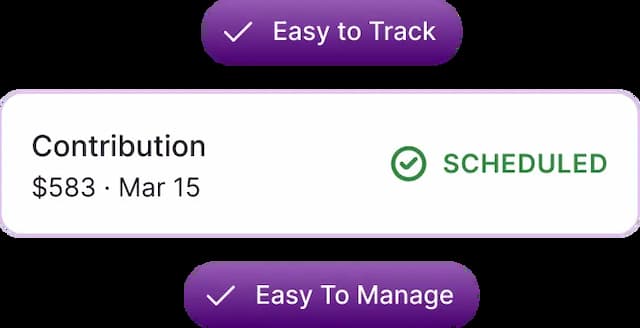
Prefer To Enter Contributions Yourself?
A payroll connection isn't required to open a plan. You can log contributions manually any time you'd rather stay hands-on.
Don't see your payroll platform on the list? Let's fix that.
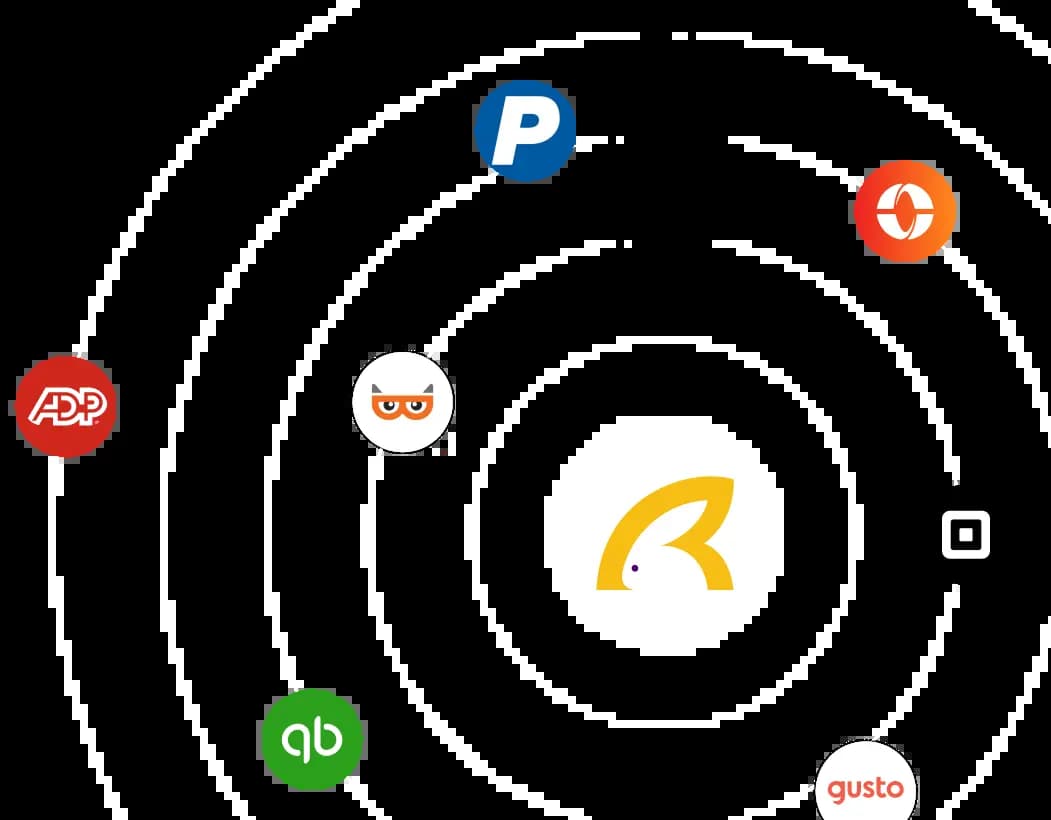
In the meantime, you're never stuck. You can enter contributions manually and switch over the moment your integration goes live.
Plan management that scales as your team does
Automated contributions, current limits, and real-time visibility, so your retirement plan keeps pace with your business.
No more spreadsheet reconciliation
Employee and pay details move straight from payroll into WealthRabbit, so nothing needs re-entering by hand.
Limits that stay current
Contribution limits update automatically each year, so your plan applies the right figures without anyone checking the IRS calendar.
Alerts before deadlines sneak up
Get notified about upcoming contribution deadlines, sync issues, or plan milestones, well before they're urgent.
Trusted by Businesses,
Accountants & Individuals
Small business owners, freelancers, and CPAs across the country rely on WealthRabbit for their team's retirement future.
Frequently asked questions
No. Payroll integration is optional. You can run your retirement plan with manual contribution entry instead, and switch to an automated connection whenever you're ready. Nothing about your plan setup requires a payroll connection from day one.
WealthRabbit currently connects with TaxBandits, ADP, Gusto, QuickBooks, Paychex, Square, Paylocity, Paycor, and Auris (formerly known as Heartland payroll). If your provider isn't on the list, you can request an integration and we'll factor it into our roadmap.
Once connected, WealthRabbit automatically pulls your employee roster, including names, roles, and payroll details. From there, contributions are calculated and processed every pay run based on the rules you've set, so nothing needs to be re-entered manually.
You set the rule once, whether that's a percentage of pay, a flat-dollar amount, or an employer match, and WealthRabbit applies it automatically every pay period. There's no spreadsheet math or manual recalculation required, even when pay changes.
New hires sync automatically as soon as they show up in your payroll data. WealthRabbit tracks their eligibility status and lets you know when they become eligible for the plan, so no one gets missed at renewal or open enrollment.
Yes. The connection uses secure, encrypted syncing, and WealthRabbit only pulls the data needed to manage contributions accurately, like employee roster and payroll details. We don't sell or share this information.
Yes. If you move to a different payroll platform, you can reconnect WealthRabbit to the new provider. Your plan details and contribution rules carry over, so you won't need to rebuild your setup from scratch.

Retirement planning that supports your success
Join hundreds of small businesses and individuals building real financial security with
WealthRabbit - fully digital, fully automated, fully yours.